





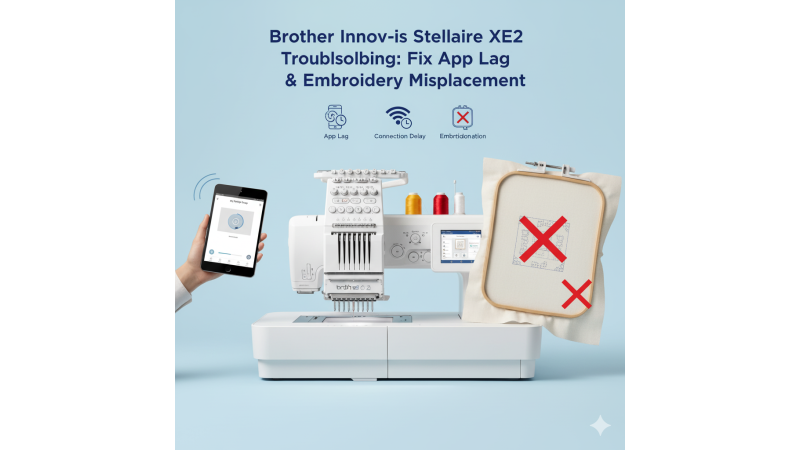
Brother Innov-is Stellaire XE2 Troubleshooting: Fix App Lag with My Design Snap and Embroidery Misplacement Issues
The Brother Innov-is Stellaire XE2 is designed to provide advanced embroidery performance with precision alignment and wireless connectivity. However, some users experience app connection lag with the My Design Snap feature and occasional embroidery misplacement after repeated hoopings. This article explains why these issues occur and how to resolve them effectively.
1. My Design Snap App Connection Lag
The My Design Snap app allows users to capture fabric placement and send images directly to the machine for accurate embroidery positioning. When this connection lags or fails, it interrupts the design setup process and slows down production.
Possible Causes:
- Weak Wi-Fi signal between the XE2 and your smart device.
- Outdated My Design Snap app or machine firmware.
- Interference from other wireless devices or network congestion.
Solutions:
- Ensure both your mobile device and machine are on the same Wi-Fi network.
- Restart your router and clear any background apps on your device.
- Update your app and machine firmware from Brother’s official support page: Brother XE2 Firmware and App Support.
- Test connectivity using simple design transfers before sending large image files.
Using lightweight and well-optimized embroidery designs can also help reduce lag during transfers. Browse compatible designs at EmbDesignTube for faster app synchronization and smoother stitching performance.
2. Embroidery Misplacement After Repeated Hoopings
Another common concern among Brother XE2 users is embroidery misalignment after multiple hooping cycles. This typically happens when stitching multi-position designs or when hoop calibration drifts slightly over time.
Common Causes:
- Hoop frame slippage due to fabric tension or hoop wear.
- Improper rehooping during multi-area designs.
- Design alignment not properly scanned or centered using the app.
Steps to Fix Embroidery Misplacement:
- Clean the hoop brackets and ensure the hoop is securely locked.
- Use a stabilizer suitable for large or continuous designs.
- Align the fabric using the on-screen positioning tools or My Design Snap scanning for precise placement.
- Calibrate your machine’s hoop position by following Brother’s official guide: Brother Hoop Alignment Support.
For larger embroidery areas, using compatible frames such as the Brother 240x360mm hoop can help maintain consistent stitching and reduce the need for multiple rehoopings.
3. Optimizing Your Workflow for the Brother XE2
Regular maintenance, firmware updates, and design selection play a big role in preventing these recurring issues. Ensure you’re using updated software and trusted design sources to minimize lag and misplacement errors.
For premium, machine-tested patterns and multi-hoop compatible embroidery designs, explore EmbDesignTube.com. Their collection is optimized for Brother machines, ensuring precise alignment and smooth thread flow even in complex patterns.
Conclusion
The Brother Innov-is Stellaire XE2 is a high-end embroidery machine capable of exceptional results when properly maintained and configured. Addressing app connectivity issues early and following correct hoop alignment procedures ensures that every stitch lands perfectly where it should. With a few careful adjustments and reliable design sources, you can keep your XE2 running smoothly for every embroidery project.
Related Products




Leave a comment