





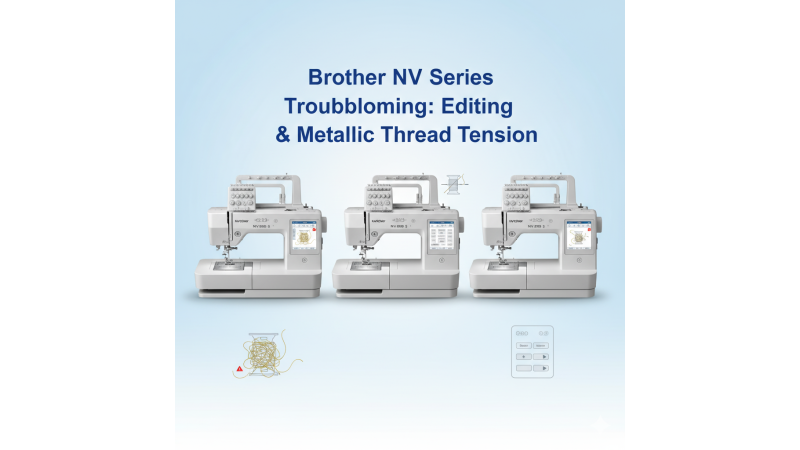

Brother NV Series (NV880E, NV800E, NV2700): Troubleshooting Limited On-Screen Editing and Metallic Thread Bobbin Tension Issues
The Brother NV Series, including the NV880E, NV800E, and NV2700, are widely recognized for their consistent performance, precise stitch formation, and dependable embroidery output. However, users often experience two specific challenges: limited on-screen editing capability and bobbin tension imbalance when working with metallic threads. This detailed guide explains why these issues occur and how you can resolve them effectively.
Understanding the Limited On-Screen Editing Capability
While Brother NV Series models offer good on-screen preview functions, their editing panel is more restricted compared to higher-end Brother machines. You may find limitations when resizing, rotating, or repositioning complex patterns, especially those purchased from professional online platforms.
If you frequently download designs from websites such as EmbDesignTube or prefer larger hoop formats like 160x260mm designs, the on-screen tools may feel insufficient.
How to Improve Your Editing Workflow
- Use external editing software for resizing, layering, and repositioning your artwork before loading it into the machine.
- Brother’s official support resources provide useful guidance. Refer to the NV800E product FAQ section at Brother Support.
- When purchasing embroidery designs, choose files that closely match your final size so minimal resizing is needed inside the machine.
- Explore additional single-head machine options on Brother Single Head Machines for enhanced editing features.
Bobbin Tension Imbalance When Using Metallic Threads
Metallic threads are beautiful but delicate, and they require more precise tension control than regular polyester or rayon threads. Many Brother NV users report bobbin tension fluctuations that cause thread breakage, looping on the underside, or inconsistent stitching.
Why It Happens
- Metallic threads have a rougher surface that increases friction along the thread path.
- They require slower stitch speeds for stable performance.
- Standard bobbin tension presets are not optimized for metallic threads.
Solutions to Correct Bobbin Tension Imbalance
- Use a high-quality metallic thread brand designed for smooth feeding.
- Insert a pre-wound bobbin or use a bobbin thread specifically recommended for metallic stitching.
- Reduce machine speed to improve thread control and avoid friction-related breaks.
- Clean the bobbin area and thread path regularly to remove tiny metallic flakes.
- Select designs optimized for metallic threads, available at EmbDesignTube Brother Designs.
Recommended Practices for Smooth Operation
- Always test-stitch a small sample before starting your final project.
- Use the correct stabilizer type depending on fabric thickness.
- Replace needles more frequently when working with metallic threads.
- Keep your machine updated with Brother’s latest firmware.
Conclusion
The Brother NV880E, NV800E, and NV2700 remain reliable embroidery machines, but understanding their limitations helps you get the best performance out of them. By combining proper thread management, careful editing workflow, and the right supporting tools, users can achieve professional results even when working with delicate metallic threads.
For additional machine options, embroidery designs, and hoop-compatible formats, explore:
Related Products
Leave a comment