





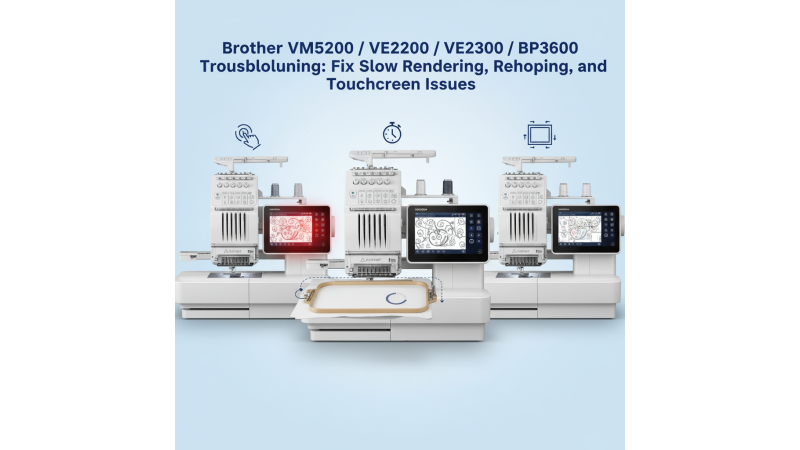
 Brother VM5200 / VE2300 / BP3600: Fix Slow File Rendering, Rehooping Limits, and Touchscreen Accuracy Issues
Brother’s VM5200, VE2300, and BP3600 embroidery machines are known for their precision and advanced design capabilities. However, many users have recently reported issues such as slow rendering of large embroidery files, limited rehooping flexibility, and touchscreen responsiveness problems. This guide explains why these problems occur and how to resolve them effectively for smoother embroidery workflows.
1. Slow Rendering of Large Embroidery Files
When working with complex or large embroidery designs, users may experience a noticeable delay as the machine processes the file. This issue is often caused by heavy stitch density or insufficient internal memory allocation. To prevent slowdowns, try optimizing the design before uploading it to the machine.
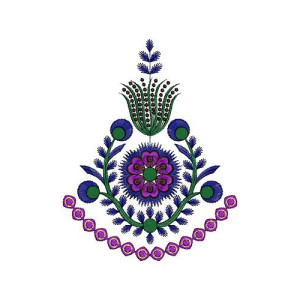
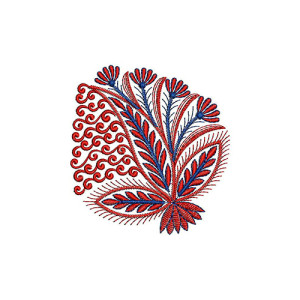
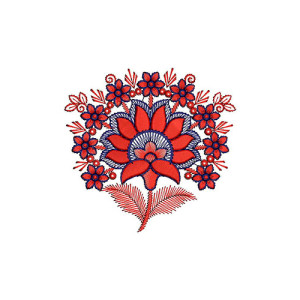
You can explore optimized and compatible design formats directly from EmbDesignTube’s Brother embroidery design section. These designs are pre-tested for smooth rendering on Brother VM5200, VE2300, and BP3600 models.
2. Limited Rehooping Flexibility
Users often report difficulty adjusting the hoop position during multi-part projects. This can occur when hoop parameters are not properly defined in the software or if the design extends beyond the hoop’s boundary.
Make sure you’re using the correct hoop size compatible with your Brother model. You can find design files for specific hoop sizes here:
These ready-to-use designs are optimized for proper hoop alignment and efficient rehooping without distortion or stitching errors.
3. Touchscreen Not Registering Precise Inputs
An unresponsive or inaccurate touchscreen can be caused by outdated firmware, static interference, or screen calibration issues. To fix this, start by cleaning the screen gently and performing a calibration from the settings menu.
Brother occasionally releases software updates that improve screen sensitivity and performance. Check your machine’s update status and ensure that it’s using the latest firmware. If the issue persists, consider contacting a service technician for panel recalibration.
4. Preventive Tips for Smooth Performance
- Regularly clear temporary design files from your machine’s memory.
- Always use compatible USB drives and avoid corrupted or oversized files.
- Calibrate your touchscreen once every few months for accurate touch input.
- Use embroidery designs optimized for your machine model from reliable sources like EmbDesignTube’s Brother Single-Head Machines page.
5. Where to Find Reliable Brother-Compatible Designs
If you frequently face slow rendering or rehooping problems, it may be due to poorly optimized design files. To avoid this, browse the exclusive Brother design categories available at EmbDesignTube.com. Each design is crafted for accurate stitching and tested on multiple Brother embroidery machines, ensuring both performance and visual perfection.
Conclusion
While Brother VM5200, VE2300, and BP3600 models offer excellent embroidery precision, minor performance issues can arise due to large file processing, limited rehooping setup, or touchscreen calibration needs. By optimizing your workflow and using reliable design sources, you can achieve professional-level results every time.
Leave a comment