





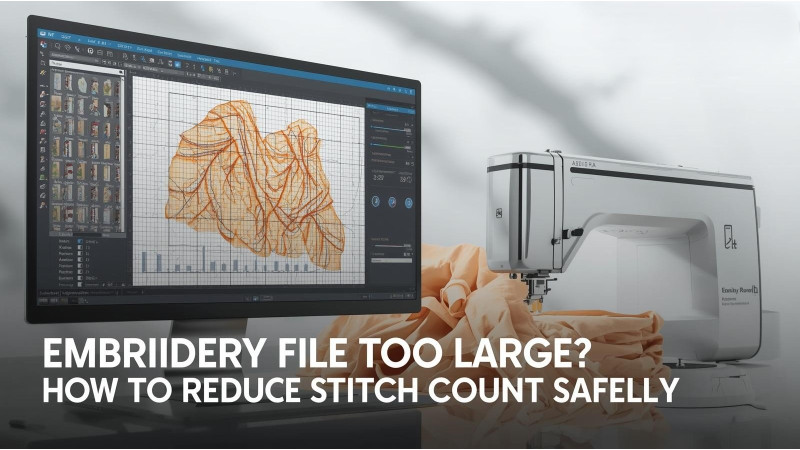
Embroidery File Too Large? How to Reduce Stitch Count Safely
When an embroidery file is too large, it can slow down your machine, cause thread breaks, increase production time, and even lead to distorted stitching. Many embroiderers try to resize designs without understanding how it affects density, pull compensation, underlay, or stitch type. This guide explains the safest ways to reduce stitch count without compromising design quality.
Why Stitch Count Becomes Too High
A design becomes oversized when it includes excessive density, unnecessary underlay, small satin details, or overly complex fills. Before reducing stitches, you must understand which elements contribute to the bulk of your file.
1. Reduce Density Without Damaging the Design
Density is the biggest factor in high stitch count. Lowering density slightly can dramatically reduce stitches while keeping the design clean. Avoid lowering density too much, or gaps and fabric show-through can occur.
- Reduce fill density in small increments
- Avoid overlapping objects that create extra layers
- Combine adjacent fill areas if possible
Helpful density-reduction resources:
2. Adjust or Remove Underlay for Fewer Stitches
Underlay stabilizes the design, but too much underlay increases the stitch count. A well-optimized underlay can cut stitches by hundreds or thousands.
- Switch from double zigzag to edge run
- Remove underlay from very small elements
- Use center-walk underlay for lightweight fabrics
Further reading:
3. Resize Designs Safely to Prevent Stitch Damage
Resizing embroidery files the wrong way can distort outlines, fill patterns, and stitch angles. Never resize more than 10 to 20 percent using your machine screen. Always resize using digitizing software that recalculates stitches intelligently.
Guides for safe resizing:
- ZDigitizing: How to Properly Resize Designs
- Kimberbell: Resizing Without Losing Quality
- Embird Resize Tutorial
4. Convert Satin Areas to Fill Stitches When Necessary
Satin stitches create beautiful texture but use a very high stitch count in wide areas. Converting large satins to low-density fill can dramatically reduce file size.
- Use satin only for small letters and details
- Keep satin width under 7 to 9 mm
- Convert wide satin columns to light fill
5. Remove Hidden Stitches and Overlaps
Overlapping shapes often create hidden layers of stitches that are never seen but consume time and thread. Digitizing software can trim these automatically.
- Merge shapes of the same color
- Use automatic overlap removal where available
- Avoid duplicating objects by mistake
6. Simplify Complex Fill Patterns
Patterned fills, spirals, and motif fills increase stitch count significantly. Switching to a simple fill structure reduces stitches without altering appearance too much.
Video and Expert Resources
Conclusion
Reducing stitch count safely requires understanding density, underlay, object types, and resizing rules. With the right adjustments, you can optimize embroidery files without losing quality. Use the linked expert guides and tutorials to refine your process and prevent oversized designs in the future.
Related Products
-300x300h.JPG "10407 Saree Embroidery Design")

Leave a comment