





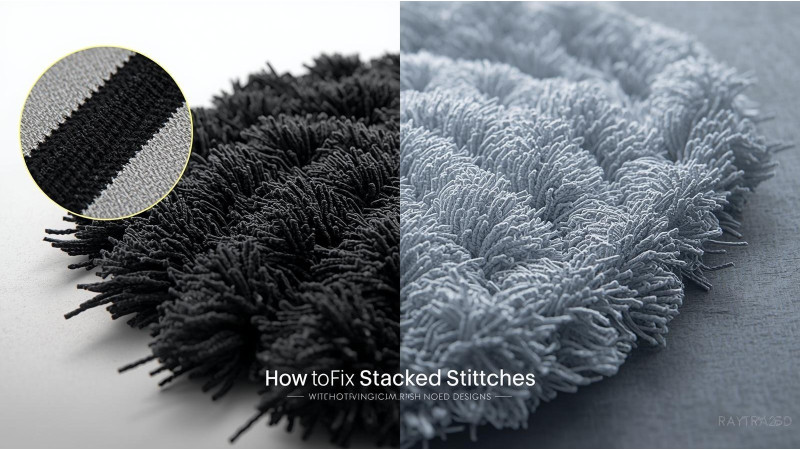
How to Fix Stacked Stitches in Downloaded Designs
Stacked stitches, also known as overlapping or layered stitches, are one of the most common problems found in downloaded embroidery designs. These occur when multiple shapes or fills sit on top of each other without any overlaps being trimmed. The result is thick, heavy stitching that causes thread breaks, needle damage, bird-nesting, and fabric distortion.
Fortunately, most embroidery software includes tools to remove overlaps and reduce stitch buildup. This guide explains why stacked stitches happen, how to detect them, and how to fix them using multiple embroidery programs.
1. What Are Stacked Stitches?
Stacked stitches occur when objects overlap and the software does not automatically cut out the underlying stitching. Many low-quality or auto-digitized files leave all layers intact. When stitched, these layers create excessive density and uneven results.
To explore well-optimized designs that avoid these issues, you can visit EmbDesignTube.com.
2. Why Downloaded Designs Often Have Overlapping Stitches
- Designers may use multiple layers to hide gaps but forget to remove the underlays.
- Auto-digitizing software often generates overlapping shapes by default.
- Different file formats behave differently when converted, creating new overlaps.
- Design resizing may introduce layered stitches that were not in the original file.
Uneven stitch quality caused by overlaps is discussed in this useful reference from 360 Digitizing Solutions, which explains how stitch buildup affects embroidery quality.
3. How to Identify Stacked Stitches Before Stitching
- Zoom in on filled areas to check for darker, thicker regions.
- Switch to wireframe or single-color preview mode.
- Use density check or thickness view tools in your software.
- Simulate stitching to see if multiple shapes run over each other.
Creative DRAWings software includes a “Thickness View” that helps spot layered stitching. You can learn more at: Creative DRAWings – Remove Overlaps
4. How to Fix Stacked Stitches Using Popular Embroidery Software
Wilcom
Wilcom provides some of the most advanced tools for removing underlying stitches. Their documentation explains how to detect and trim overlapping stitching layers. Review details here: Wilcom – Removing Underlying Stitching
Bernina Embroidery Software
Bernina’s digitizing tools allow users to remove overlaps between complex design elements.
Chroma / Ricoma Software
Chroma users can remove stacked stitches using the Shaping Tool. A clear tutorial is provided here: Trim Overlaps Using the Shaping Tool in Chroma
MySewnet Stitch Editor
MySewnet provides an option called “Remove Overlap” during export. This automatically trims hidden areas. More details here: MySewnet Stitch Editor – Remove Overlap
Janome / Artistic Digitizer
Janome’s Artistic Digitizer also features a “Remove Overlap” setting inside object properties. You can read more at: Janome – Remove Overlaps in Digitizer
5. Manual Techniques to Fix Stacked Stitches
- Break objects apart and delete hidden segments.
- Use trimming tools to cut out overlapping sections.
- Reduce fill areas where shapes overlap.
- Use knockdown or offset underlays correctly.
- Avoid importing multiple formats of the same design, which can introduce duplicates.
6. Preventing Stacked Stitches in New or Purchased Designs
- Always test designs in simulation mode first.
- Avoid low-quality auto-digitized or free designs with heavy fills.
- Use software with automatic overlap removal features.
- Check designs after resizing to ensure new overlaps were not created.
Conclusion
Stacked stitches are a common but avoidable issue in downloaded embroidery designs. By understanding how overlaps work and using software tools to remove them, you can dramatically improve stitch quality and prevent thread breaks or distorted results. Whether you use Wilcom, Hatch, Bernina, Chroma, MySewnet, or Artistic Digitizer, each program provides reliable solutions to clean up designs before stitching.
For clean, professionally digitized embroidery files that avoid unnecessary overlaps, visit: EmbDesignTube.com
Related Products


Leave a comment