





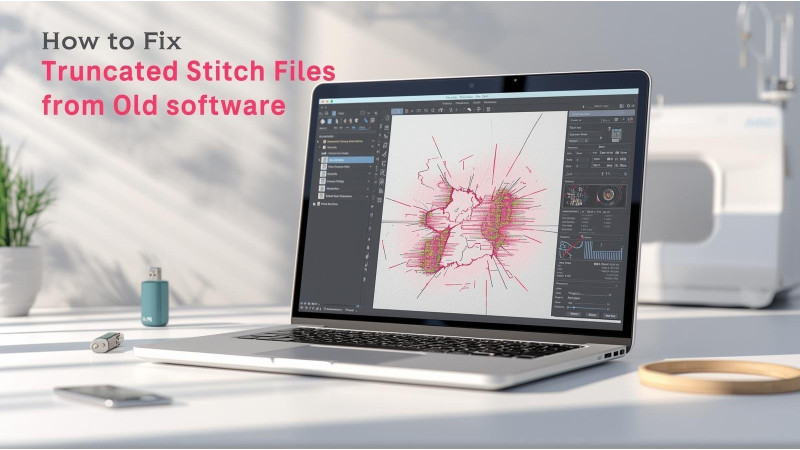
How to Fix Truncated Stitch Files from Old Software
Many embroiderers still use designs created years ago in older versions of PE-Design, Embird, Wilcom, or custom digitizing programs. These legacy stitch files often fail to open correctly in modern machines or software because they become truncated, partially corrupted, or improperly resized. This guide explains why truncation happens and how you can restore or repair these designs using reliable methods.
Why Do Stitch Files Become Truncated?
Older embroidery applications used outdated file structures that newer machines may not read correctly. When files are resized, saved repeatedly, or transferred incorrectly, the program may cut off the later parts of the stitch sequence. This creates missing stitches, incomplete fills, or designs that stop sewing halfway. More details on incorrect resizing behavior can be found at this guide.
Sometimes the truncation happens because the maximum stitch count in old software was lower than what modern designs require. This causes the design to freeze or close before stitching the final areas.
Signs of a Truncated Stitch File
- Design stops stitching halfway
- Missing satin or fill areas
- Jumps instead of clean lines
- File loads but shows only part of the artwork
- Machine displays an unexpected file size error
How to Repair Truncated Files from Old Software
1. Open and Re-save Using Modern Software
One of the most reliable ways to fix old stitch files is to open them using updated tools and re-save in a stable format. The tutorial on proper resizing and converting at this page explains how modern software interprets old stitch maps more accurately.
Try loading the file in software such as Hatch, Wilcom, Embrilliance, or Embroidery Legacy tools. Sometimes simply re-saving the design repairs the truncated pointer data.
2. Verify the File Type Limitations
Old file formats had strict limitations. The overview at this article explains how some formats were never designed for large stitch counts or complex structures.
If the design was originally created in extremely old software, the safest fix is to recreate missing parts or use updated digitizing tools to rebuild broken segments.
3. Check for Data Corruption from Transfers
USB transfer errors, outdated memory cards, or repeated saves can corrupt stitch files. The troubleshooting steps in this guide help you identify when the corruption is caused by hardware rather than software limitations.
4. Repair the File Using Recovery Tools
If the file refuses to open or loads only part of the stitches, try online recovery tools. One option is to upload the corrupted stitch file to this repair service which attempts to rebuild missing or damaged data blocks.
5. Re-digitize Missing Stitch Sections
In cases where the end of the file is completely missing, no software can magically recover stitch data that was never saved. The most practical solution is to re-digitize the incomplete parts. The video tutorial at this link shows how to rebuild missing areas manually using modern software tools.
6. Avoid Resizing in Old Applications
Old programs do not resize correctly and often cause stitch loss, jumps, or broken sequences. The detailed explanation at this article highlights how improper resizing leads to stitch truncation.
A modern resizing approach is shown in this video, which demonstrates safer resizing practices using updated software.

How to Prevent Stitch Truncation in the Future
- Always resize using modern embroidery software
- Never save over the original design
- Back up files before converting or editing
- Use updated applications that support extended stitch counts
- Avoid working directly from USB drives to prevent corruption
Conclusion
Truncated stitch files are a common issue when working with designs created in old embroidery software. Thankfully, modern tools can repair, rebuild, or clean up corrupted stitch data in most cases. Whether the problem is caused by resizing errors, outdated file limitations, or transfer issues, the resources linked above will help restore your design so it stitches correctly from start to finish.
Related Products

Leave a comment