





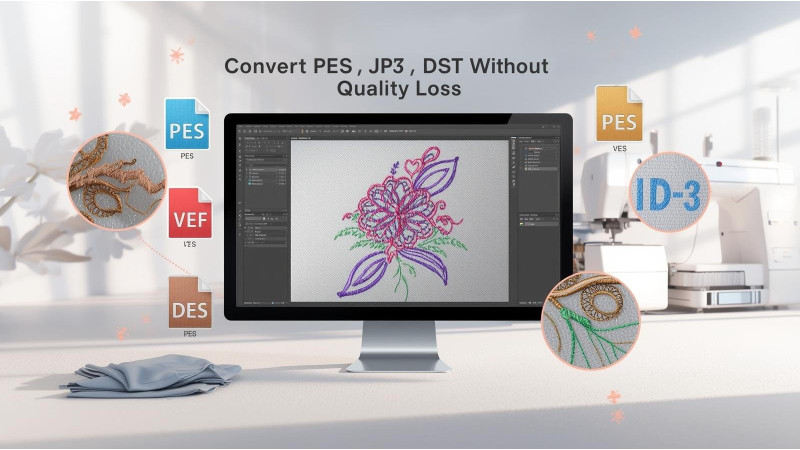
How to Convert Between PES, JEF, VP3, DST Without Losing Quality
Converting embroidery formats such as PES, JEF, VP3, and DST is common when working with different machine brands. However, if the conversion is not done correctly, you may experience thread density issues, jump stitches, distorted shapes, missing colors, or damaged satin borders. This guide explains how to convert embroidery formats safely and which tools produce the best results.
Understanding Stitch Files vs Object Files
Before converting between formats, you must understand the difference between stitch files and object-based files. Stitch files such as PES, JEF, VP3, and DST contain only stitch points. Object files contain editable shapes and settings used by digitizing programs. Once a file is converted to a stitch format, converting it again will not restore original object data.
Learn more about stitch vs object files here:
Best Software Tools for Safe File Conversion
Several tools can convert PES, JEF, VP3, DST and many other formats without damaging the design. Free and paid options are available depending on your needs.
Wilcom TrueSizer
TrueSizer is one of the most popular free tools for viewing and converting embroidery files.
Embrilliance Essentials
This software allows safe format conversion along with basic editing, color changes, combining designs, and resizing.
HoopTalent Conversion Guides
HoopTalent provides detailed tutorials on converting embroidery formats correctly.
Machine Embroidery Geek Tutorials
Another useful resource for understanding how conversion affects design quality.
Online Embroidery Viewers and Tools
Some sites also offer online preview or conversion tools.
How Conversion Affects Stitch Density
When converting between PES, JEF, VP3, and DST formats, stitch density can increase or decrease depending on how the software recalculates the stitch path. Some formats handle density better than others. For example, VP3 preserves more design information than DST, which is a simplified format built for industrial machines.
Rules for Resizing Designs After Conversion
Resizing is often done after converting formats. However, resizing incorrectly can stretch satin stitches, remove small details, or increase density too much. Follow these guidelines:
- Do not resize more than 10 to 20 percent in basic software.
- Use programs that intelligently recalculate stitches.
- Avoid resizing dense satin-heavy designs in DST format.
Resize guides:
Common Conversion Problems and How to Fix Them
Missing Colors After Conversion
This happens when converting to DST because DST files do not store color data. You must manually reassign thread colors using your embroidery software.
Jump Stitches Increase After Conversion
Some software splits long trims or removes tie-ins. Editing the file after conversion can improve its quality.
Distorted Shapes or Zigzag Issues
This occurs when converting a design with complex satin or fill patterns. Converting to a richer format like VP3 before editing helps preserve shapes.
Best Workflow for Safe and Accurate Conversion
- Open the original format in high-quality software.
- Check density, trims, satin width, and stitch types.
- Convert to your desired format (PES, JEF, VP3, DST).
- Preview the output on the simulation screen.
- Resize only if necessary after conversion.
When You Should Avoid Converting Formats
If the file is already poorly digitized, converting it may make the problem worse. You may need to find a better source file or have the design redigitized properly.
Conclusion
Converting between PES, JEF, VP3, and DST formats does not have to reduce quality if you use the right software and follow correct resizing and editing rules. Understanding the limits of stitch files, using professional tools, and verifying your design before stitching will help maintain accuracy and prevent distortion. Use the resources listed above to ensure safe and error-free conversions.
Related Products

Leave a comment