





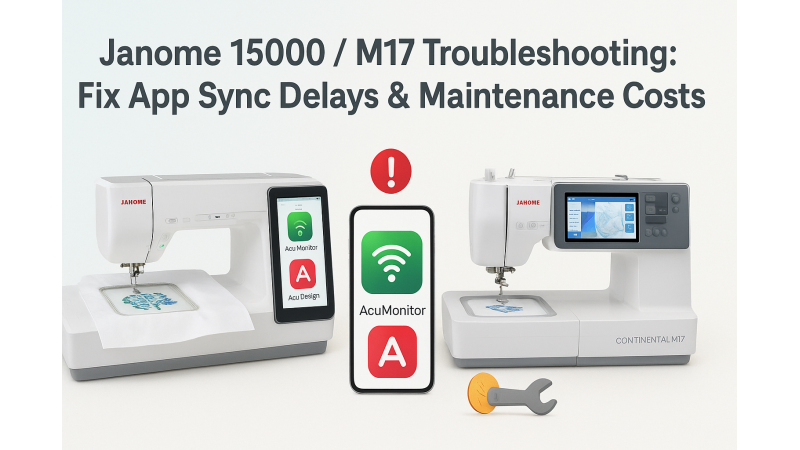
Janome 15000 / M17 App Synchronization Delays: Fixing AcuMonitor & AcuDesign Connection Issues
If your Janome 15000 or M17 embroidery machine is experiencing slow synchronization with the AcuMonitor or AcuDesign apps, you’re not alone. Many users report delays that interrupt workflow, especially when transferring large design files. These delays are often related to software versions, Wi-Fi signal strength, or temporary communication errors between the machine and mobile device rather than a hardware problem. For a helpful visual reference, you can also watch tutorials such as this YouTube guide to better understand app behavior.
Why App Sync Delays Happen
Several factors can contribute to slow app synchronization:
- Outdated machine firmware or outdated app versions
- Weak or unstable Wi-Fi connection between mobile and machine
- Transferring oversized embroidery designs
- Too many devices sharing the same network
Some users also overlook the importance of ensuring both the machine and mobile device are connected to the same high-quality Wi-Fi network. If you regularly work with extra-large hoops, such as 460×280mm format designs, syncing can naturally take longer due to file size.
How to Fix Synchronization Delays
Below are the most effective ways to resolve AcuMonitor and AcuDesign syncing delays on Janome 15000 or M17:
- Update Firmware: Always ensure your machine runs the latest firmware version.
- Use Strong Wi-Fi: Position your router closer and remove unnecessary connected devices.
- Restart All Devices: Reboot your machine, mobile device, and router to clear memory conflicts.
- Reduce File Size: If you frequently stitch large patterns, consider using medium hoop formats such as 300×230mm designs or more compact options like 200×170mm embroidery files.
- Reinstall the Apps: Fresh installations of AcuMonitor or AcuDesign can fix hidden bugs.
Professional embroiderers who work specifically with Usha-Janome machines may also find it helpful to explore compatible design collections in the Usha Janome embroidery section, which includes multiple hoop sizes optimized for smooth syncing.
Additional Helpful Resources
If you're using Janome for professional projects and want hoop-specific design formats that sync flawlessly, you can explore more options in the Usha-Janome category. These collections are crafted to run well with app-connected machines like the Janome 15000 and M17.
Final Thoughts
Synchronization delays with AcuMonitor or AcuDesign don’t have to interrupt your creative workflow. With proper firmware updates, stable connectivity, and optimized design file management, your Janome 15000 or M17 can operate smoothly and efficiently. Whether you're working with large-format hoops like 460×280mm or smaller layouts such as 200×170mm, consistent maintenance and the right resources will help keep app communication fast and reliable.
Don’t let sync issues slow you down—these practical steps ensure your machine stays responsive, your apps stay connected, and your embroidery projects continue without interruption.
Related Products

Leave a comment