





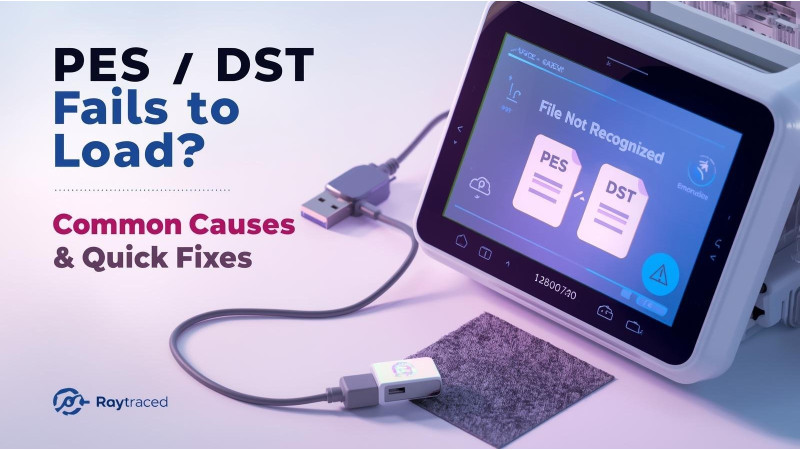
PES / DST Fails to Load? Common Causes and Quick Fixes
When a PES or DST file refuses to load on your embroidery machine, the problem can come from several sources including file corruption, version incompatibility, incorrect hoop settings, or USB transfer errors. Machines from Brother, Janome, and other brands are sensitive to file structure and formatting rules. This guide explains the most common reasons designs fail to load and how to fix them quickly.
1. The File Is Saved in an Unsupported PES or DST Version
Your embroidery machine may not support the specific version of PES or DST that your digitizing software exported. Older machines cannot open newer PES versions created by software like PE-Design, Embrilliance, Hatch, or Ink/Stitch.
- Resave the file in an older PES version
- Try saving as DST if PES fails
- Avoid advanced features unsupported by older machines
Resources:
- MIG Digitizing: PES File Issues Resolved
- PES File Not Opening in PE-Design
- Ink/Stitch PES Not Recognized

2. The File Exceeds Machine Hoop or Memory Limits
Many machines will not load a PES or DST file that is larger than the maximum hoop area or exceeds internal memory capacity. This includes stitch count limits, color-change limits, and design width or height restrictions.
- Resize the design within hoop limits
- Reduce stitch count or simplify density
- Remove excessive color changes and trims
Reference:
3. File Corruption During USB Transfer
PES and DST files can become corrupted when transferred through old or faulty USB drives. Incorrect quick formatting, hidden system folders, or incompatible file systems such as NTFS can also cause loading failures.
- Use a USB drive under 16GB
- Format the USB as FAT32 only
- Keep designs in the root folder when required
More USB guidelines:
4. Incorrect File Extension or Renamed Format
Renaming a file manually does not convert it. Some users edit PES or DST names directly without using proper software, causing machines to reject the file entirely.
- Never rename .pes to .dst or vice versa manually
- Always use digitizing software to convert formats
5. Issues Inside the File Structure: Missing Threads, Objects, or Jumps
A PES or DST file may contain coding errors such as invalid color blocks, missing needle points, or zero-length stitches. These break the file and make it unreadable for machines.
Fixes include:
- Re-exporting from your digitizer
- Regenerating stitches
- Converting to another format temporarily
Related guides:
6. Design Saved in the Wrong Embroidery Area or Orientation
Some machines refuse to load designs rotated at unsupported angles or placed outside the hoop boundary. Software may show no errors, but the machine firmware rejects the file.
- Recenter the design in your workspace
- Verify hoop selection before exporting
- Avoid excessive rotation or mirroring on older firmware
7. PES or DST File Contains Unsupported Special Functions
Modern embroidery software includes features like advanced trims, color filters, programmable jumps, or motif stitches that older machines cannot interpret. When unsupported commands are detected, machines refuse to load the file.
Video Reference
Conclusion
PES and DST loading problems are usually caused by version mismatches, corrupted USB transfers, unsupported design elements, or hoop-size conflicts. Following the above checks will help you quickly identify why a file will not load and what steps to take to repair it. Use the expert resources linked throughout this article to troubleshoot advanced issues.
Related Products

Leave a comment