





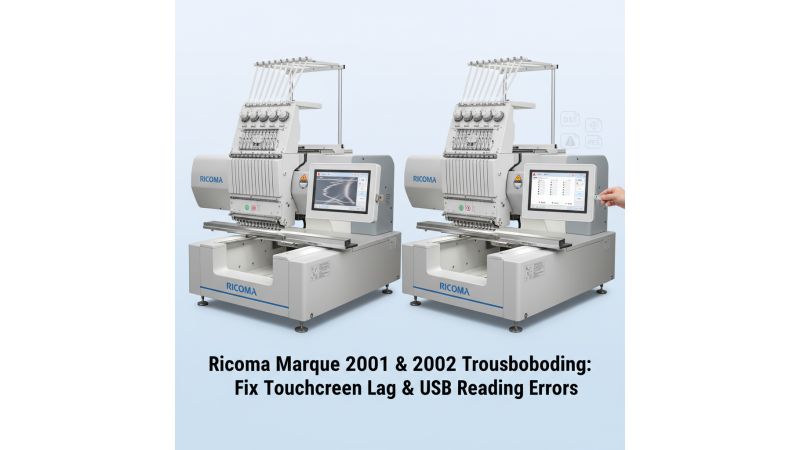
 Ricoma Marquee Series (2001, 2002): Fix Touchscreen Lag & USB Design Reading Issues
The Ricoma Marquee 2001 and Ricoma Marquee 2002 embroidery machines are known for their advanced 20-needle setup, large embroidery area, and professional-grade precision. However, some users experience touchscreen lag or issues reading embroidery designs from USB drives—especially designs downloaded from popular embroidery platforms. In this post, we’ll explain the causes and practical solutions for these common issues.
1. Understanding Touchscreen Lag in Ricoma Marquee Series
Touchscreen lag can occur due to software glitches, memory overload, or an outdated firmware version. When the display becomes unresponsive, it affects design selection, frame settings, and production speed.
How to Fix Touchscreen Lag:
- Restart your machine and wait at least 30 seconds before powering it back on.
- Check for any firmware updates on the Ricoma official product page.
- Avoid running multiple design operations at once to reduce system load.
- If lag continues, contact Ricoma Support for firmware reinstallation assistance.
2. USB Design Reading Problems on Ricoma Marquee
Many users report that their Ricoma Marquee Series machines sometimes fail to recognize or load embroidery designs from USB drives. This can be frustrating, especially when designs are from third-party sources or websites.
Common Causes:
- Unsupported file format or incorrect design resolution.
- USB not formatted to FAT32.
- Design file saved in a non-compatible version of DST or DSB format.
- Corrupted files or naming errors.
How to Resolve USB Reading Issues:
- Format your USB drive in FAT32 before use.
- Keep your design file names under 8 characters and avoid special symbols.
- Download designs compatible with Ricoma Marquee from EmbDesignTube.com.
- If your machine still doesn’t read the file, refer to Ricoma’s USB troubleshooting guide.
3. Recommended Design Sizes for Ricoma Marquee Series
To ensure smooth performance, always use embroidery designs that match your hoop size. You can explore professionally digitized Ricoma designs in different frame sizes from EmbDesignTube below:
- 350mm x 520mm Designs
- 360mm x 500mm Designs
- 450mm x 400mm Designs
- 450mm x 480mm Designs
- 450mm x 500mm Designs
4. When to Seek Professional Assistance
If both touchscreen and USB issues persist after trying these fixes, it’s best to consult Ricoma’s technical team or an authorized service provider. You can review machine specifications and contact your nearest distributor through the official Ricoma network:
- Ricoma Marquee 2001 Details
- Ricoma Marquee 2002 Details
- Explore Similar Models
- Ricoma USB Reading Support
Maintaining your embroidery machine with regular cleaning, software updates, and proper USB handling will help you avoid these issues in the future and keep your production workflow running efficiently.
For more compatible embroidery designs and solutions for Ricoma models, visit EmbDesignTube.com.
Leave a comment