





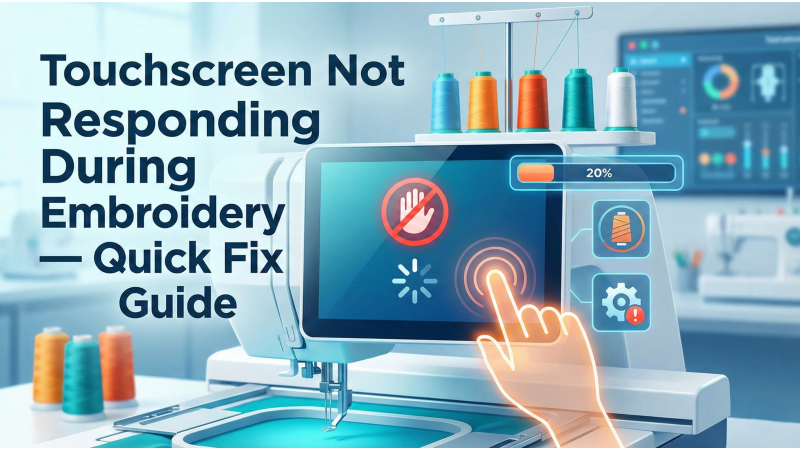
Touchscreen Not Responding During Embroidery — Quick Fix Guide
A non-responsive touchscreen during embroidery is one of the most inconvenient machine problems. Your design pauses, you cannot select options, and in many cases the machine will not continue stitching until the touch panel responds. This guide explains the most common causes and provides simple steps to restore proper screen function. All solutions are written in clear language so beginners and experienced users can follow easily.
1. Restart the Machine
Before making deeper adjustments, restart the embroidery machine completely. Remove the power plug for a few seconds and reconnect it. Many touchscreen freezes are temporary and resolve after a proper shutdown.
2. Check for Firmware Updates
Outdated firmware can cause unresponsive or laggy touch panels. Visit your machine brand’s firmware page and install any pending updates. This step helps fix bugs related to touch detection.
Brand example: Brother’s official update and error documentation:
- Brother LCD Touch Panel Malfunctioning
- Brother Touchscreen Not Responding
- Brother Touch Panel Troubleshooting

3. Calibrate the Touchscreen
If your screen registers inaccurate touches or stops detecting input, calibration may be necessary. Calibration resets how the touchscreen interprets your touch points and corrects alignment errors caused by continuous use.
Helpful calibration video tutorials:
- Redline Embroidery Machine Touchscreen Calibration
- Brother Innovis 1200 Touch Screen Calibration
- HSW Embroidery Machine Display Touch Problem Fix
4. Inspect for Physical Issues
Touchscreens can become unresponsive due to physical damage, pressure imbalance, loose cables, or debris stuck near the screen frame. If your screen is cracked, pressing too hard may worsen the issue.
General machine maintenance guidance:
5. Check for Loose or Faulty Ribbon Cables
Embroidery machine screens are connected internally through thin ribbon cables. If the machine was moved, dropped, or vibrated heavily, the cable may loosen. This often results in partial or complete screen failure.
6. Review Brand-Specific Issues and Real-User Cases
Sometimes the problem is not generic but model-specific. Reading user experiences can help identify patterns or known defects.
7. When to Contact a Technician
If the touchscreen does not respond even after calibration, updates, and visual checks, professional service may be required. Issues such as motherboard faults, damaged digitizers, or internal wiring problems can only be fixed by a certified technician.
Additional Helpful Resource
Visit EmbDesignTube.com for embroidery troubleshooting guides, machine tips, and design solutions.
Related Products



Leave a comment