





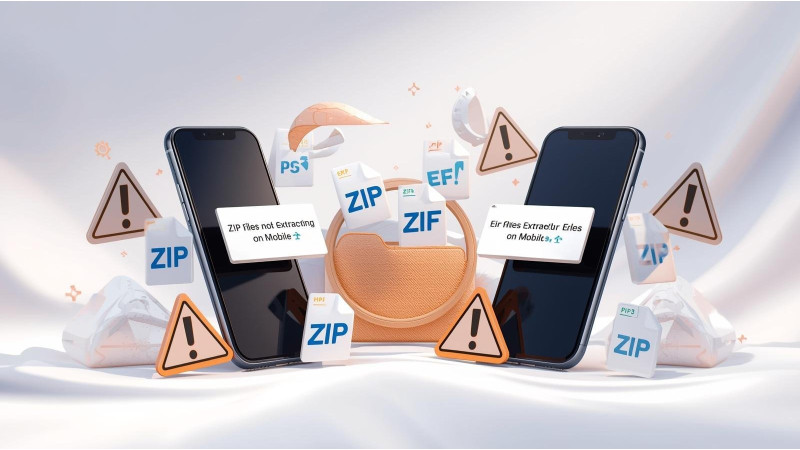
ZIP Files Not Extracting on Mobile? How to Download Designs Properly
Many embroiderers download designs directly to their mobile phones, but ZIP files may fail to open or extract. This is especially common with PES, DST, EXP, JEF, and VP3 collections. Mobile devices treat ZIP files differently depending on the app, storage location, and operating system. This guide explains the most common reasons ZIP files will not extract and how to properly download, unzip, and transfer your embroidery designs on both iPhone and Android.
1. Your Phone Is Using a Viewer Instead of a File Manager
Some phones open ZIP files within a preview window instead of fully extracting them. When this happens, embroidery files stay locked inside the archive and cannot be accessed by your machine.
Use the official file managers:
2. ZIP File Not Fully Downloaded Before Extraction
If your ZIP file did not finish downloading due to weak internet or server interruption, the extraction will fail every time.
Fixes include:
- Re-download over a stable WiFi connection
- Clear your browser cache and retry
- Avoid downloading inside social media apps
3. Using an Unsupported or Weak ZIP Extraction App
The built-in app on some Android devices cannot handle large embroidery ZIP folders. In such cases, a dedicated extractor works better.
Recommended apps:
- RAR App for Android for fixing extraction errors
4. You Need an Embroidery Viewer App After Extracting
Even after unzipping, your phone may not show PES, DST, EXP, or JEF files correctly because they require a viewer app.
Use these embroidery file viewer apps:
5. ZIP Extracts but You Cannot Move Files to USB
Both iPhone and Android can move embroidery files to a USB stick, but only with the correct app or adapter. If this step is missed, the design will never reach your machine.
Helpful guides:
- How to Download, Unzip, and Transfer Designs on iPhone
- How to Transfer Files to USB on Android
- Guide: Transfer Designs to Your Embroidery Machine
6. Your Phone Storage Is Full
If your device is low on storage, ZIP extraction will fail even if the file is small. Many embroidery ZIP folders contain multiple formats and color charts, making them larger than expected.
Fix:
- Delete unused files
- Move media to cloud storage
- Retry extraction
7. ZIP File Contains Unsupported Formats for Your Phone
Older mobile operating systems cannot recognize certain file structures inside ZIP folders. Even though the embroidery machine can read them, the phone might not.
This often affects older Android versions and iPhones with outdated software.
Conclusion
ZIP files not extracting on mobile devices usually come down to incomplete downloads, weak extraction apps, lack of a proper embroidery viewer, or incorrect methods of transferring the file to USB. Using the official file managers and recommended apps ensures smooth extraction and easy transfer to your embroidery machine.
Related Products



Leave a comment